


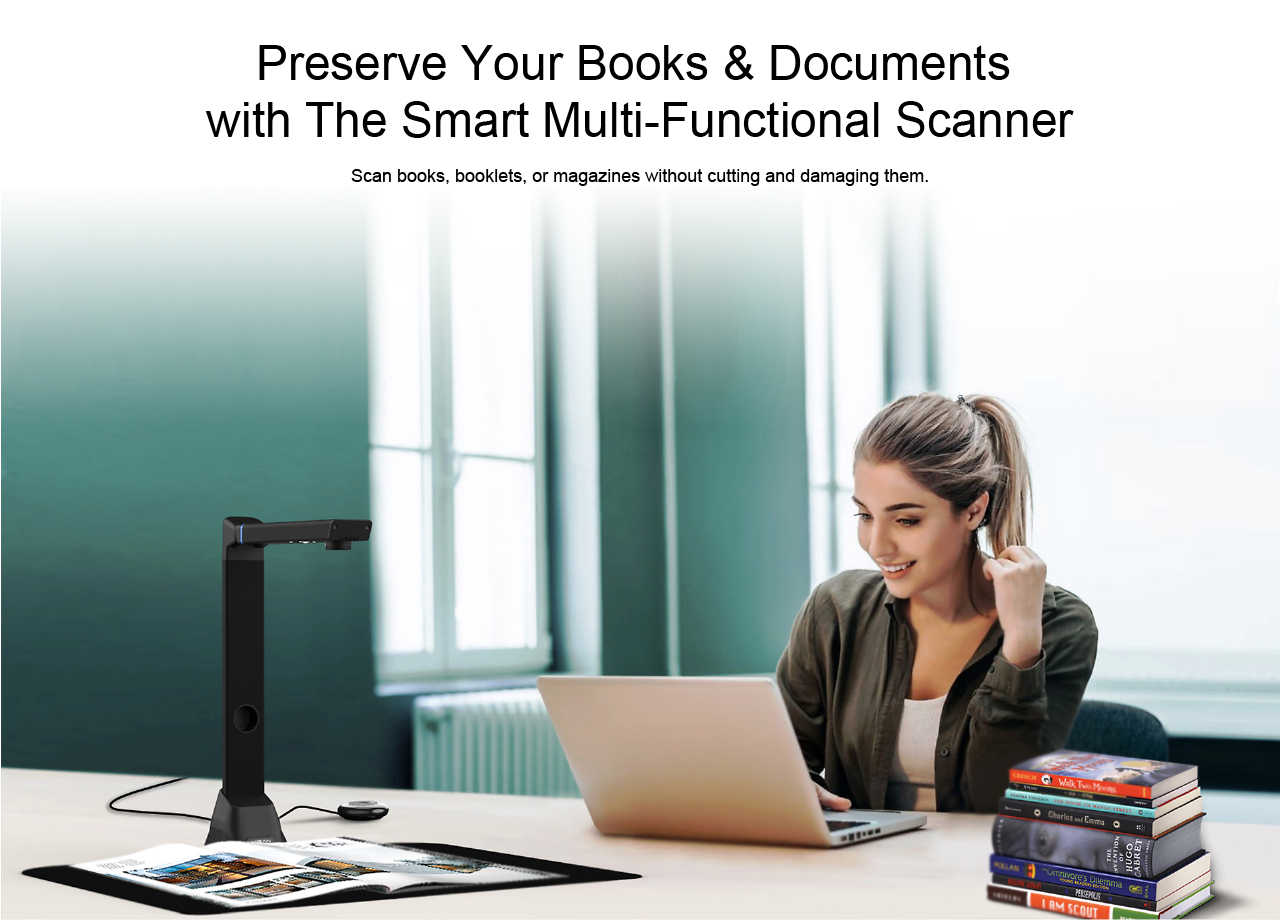
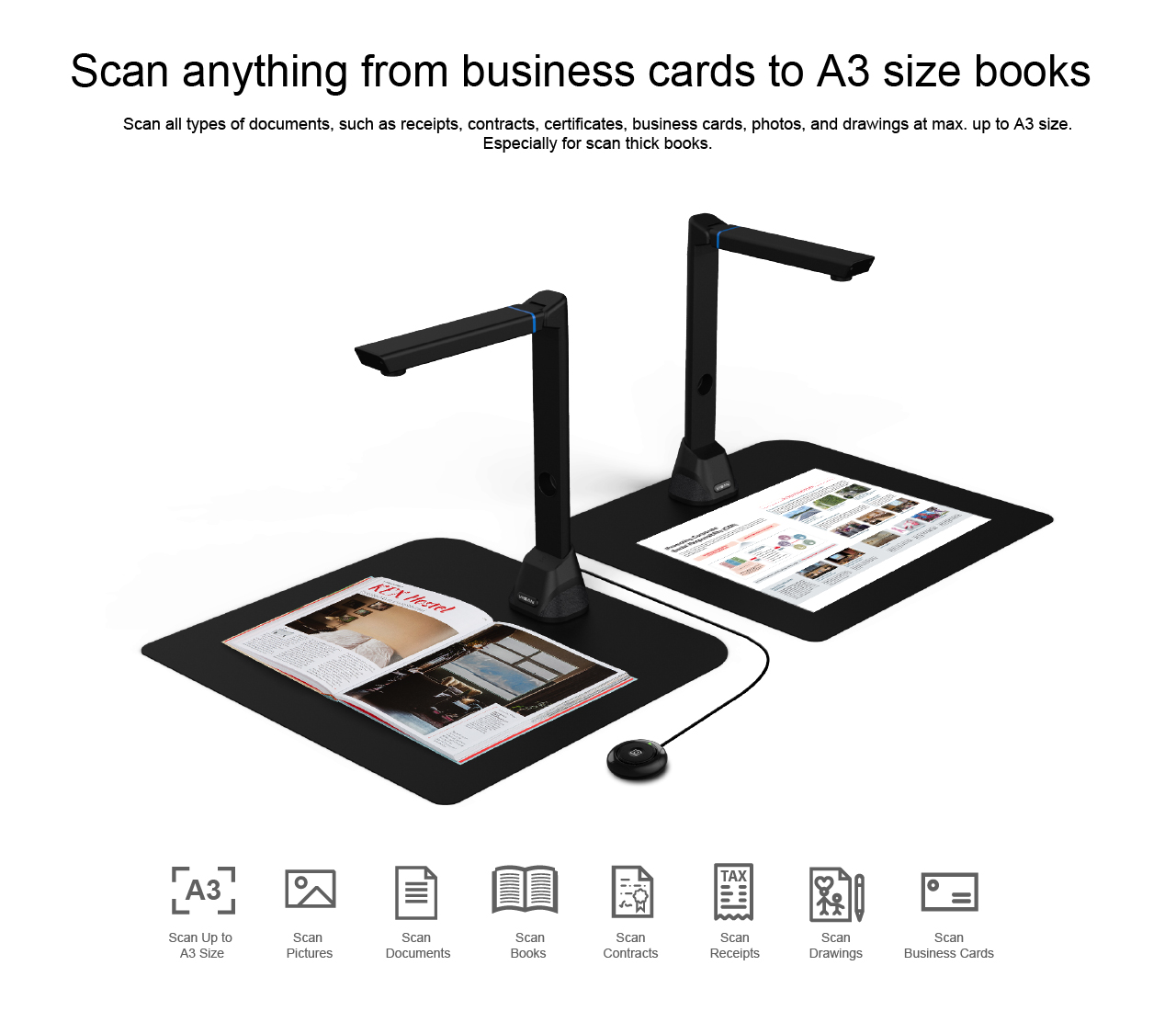
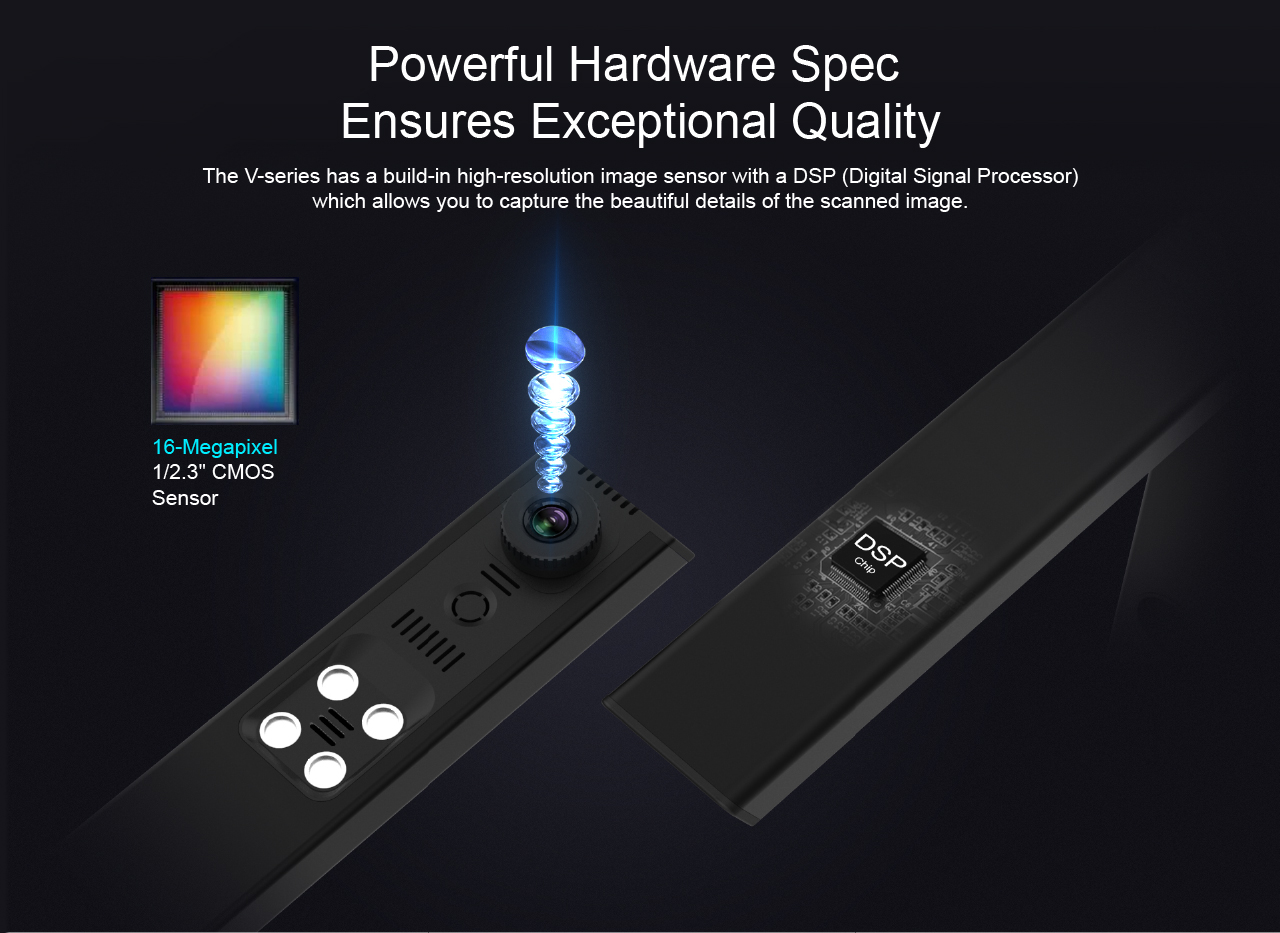
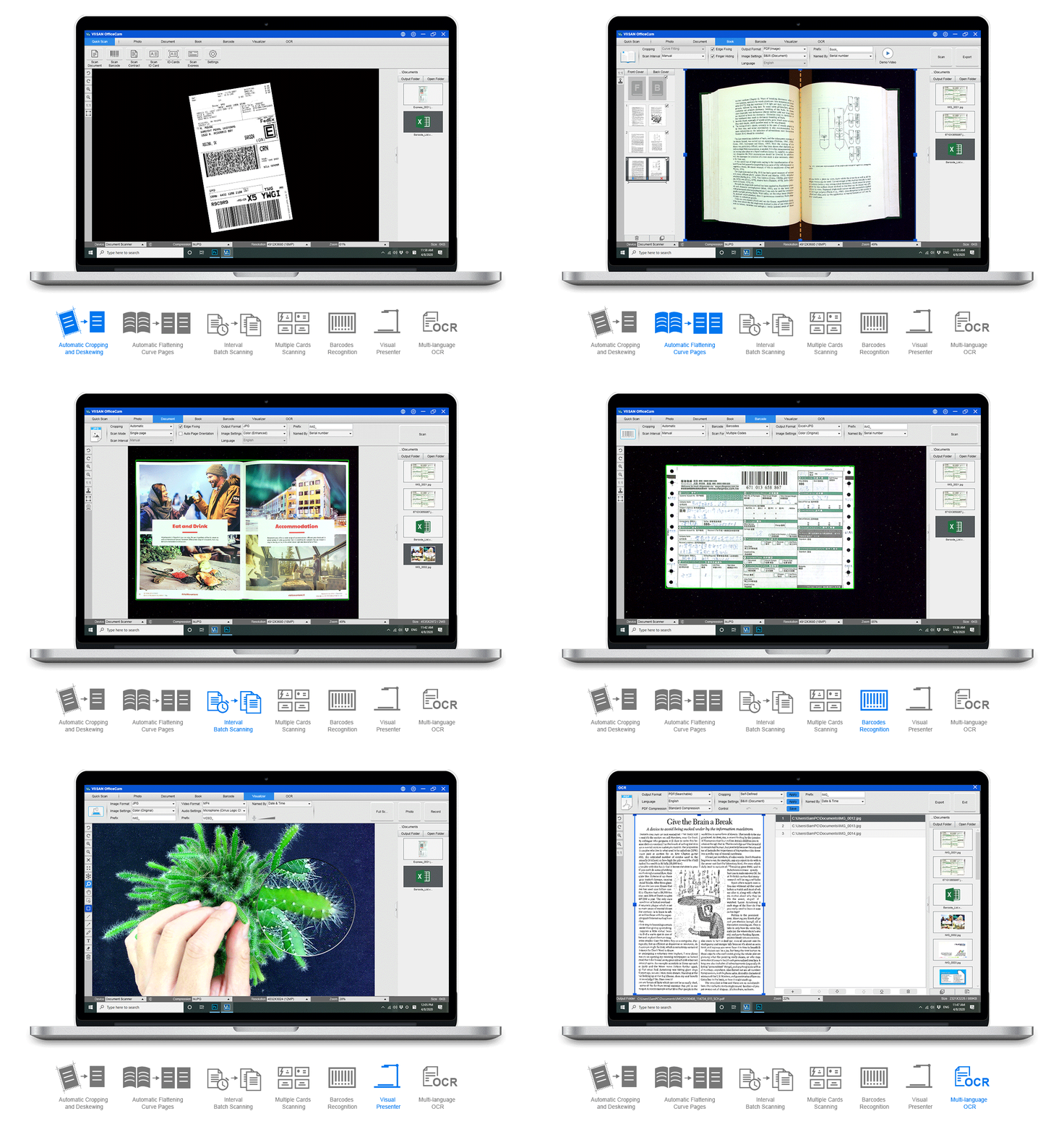
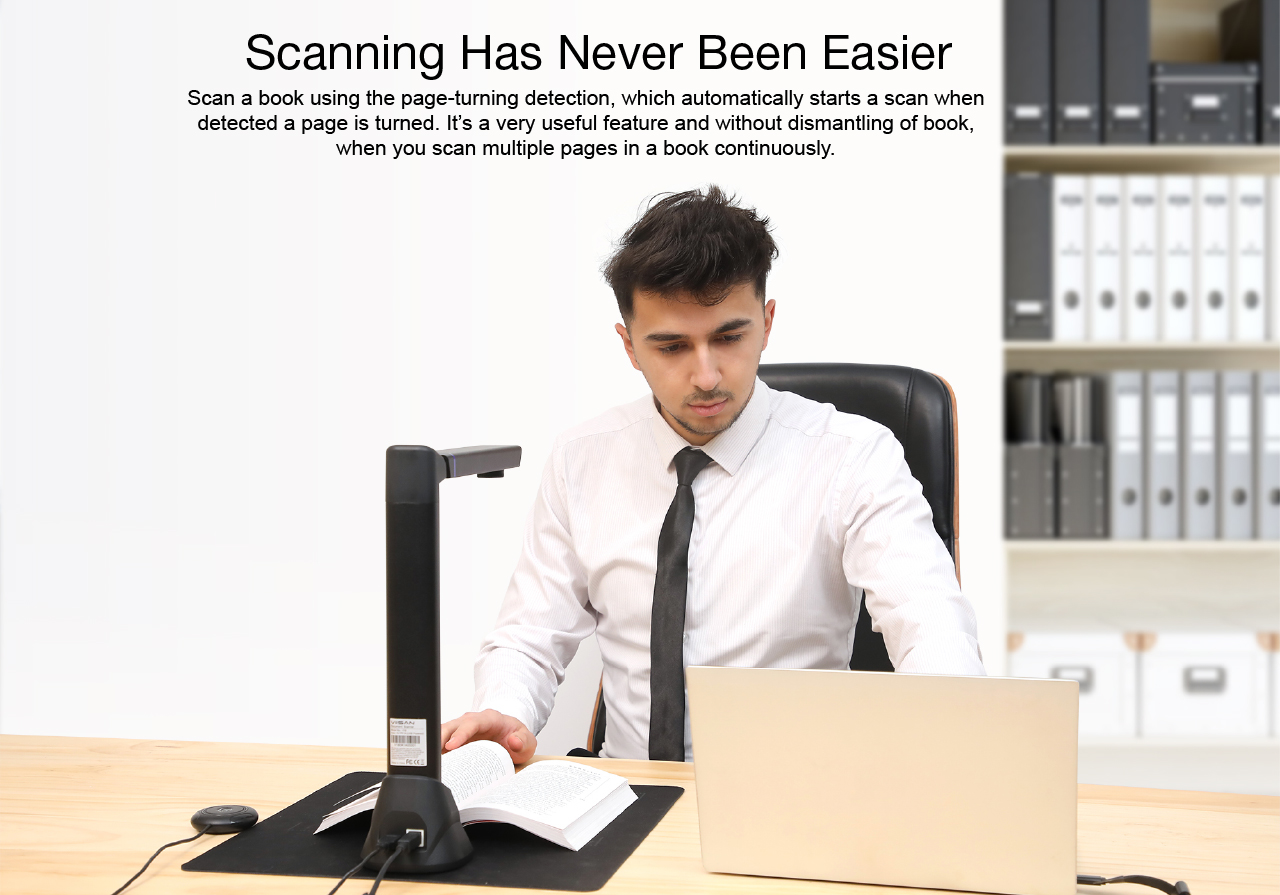
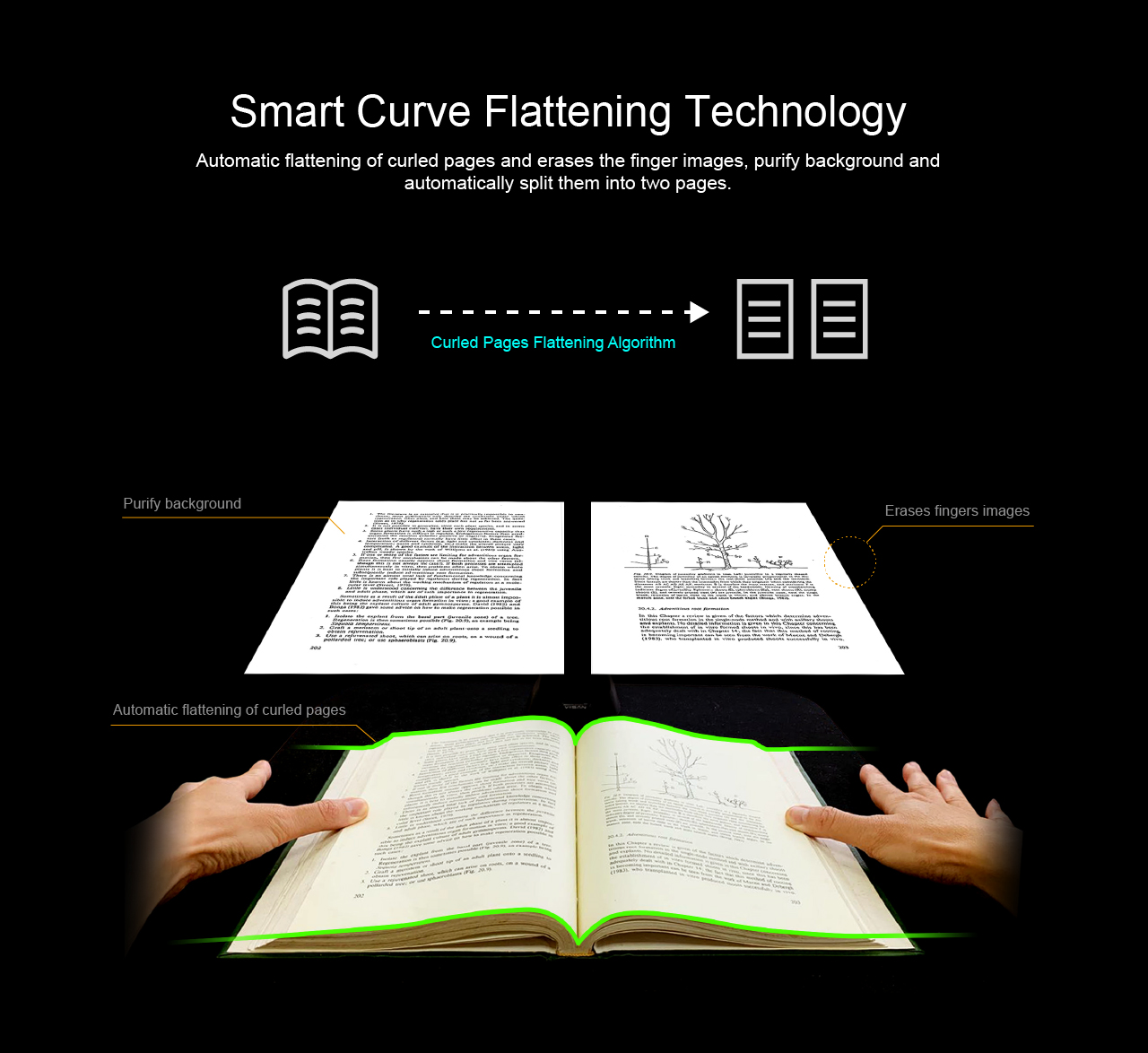
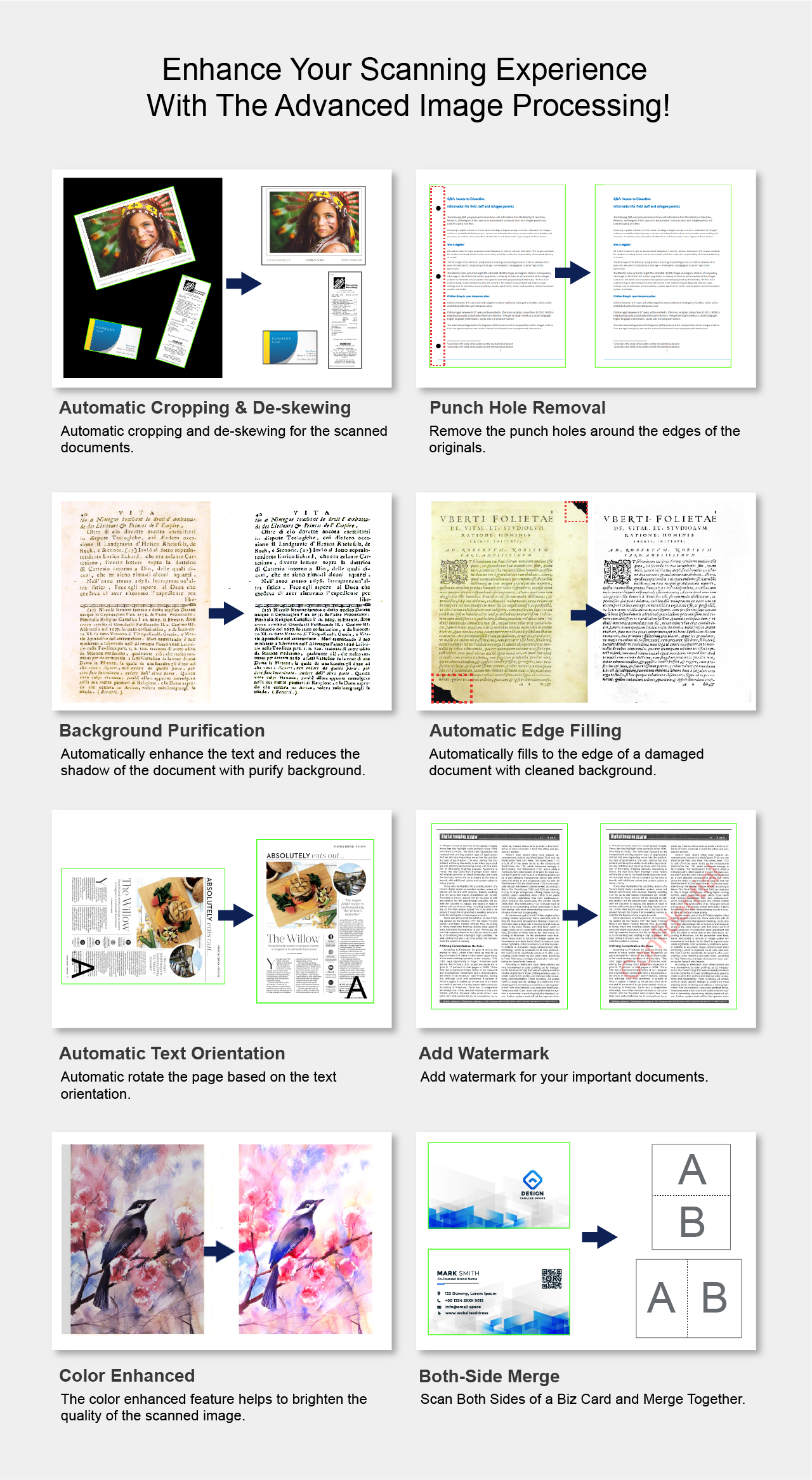
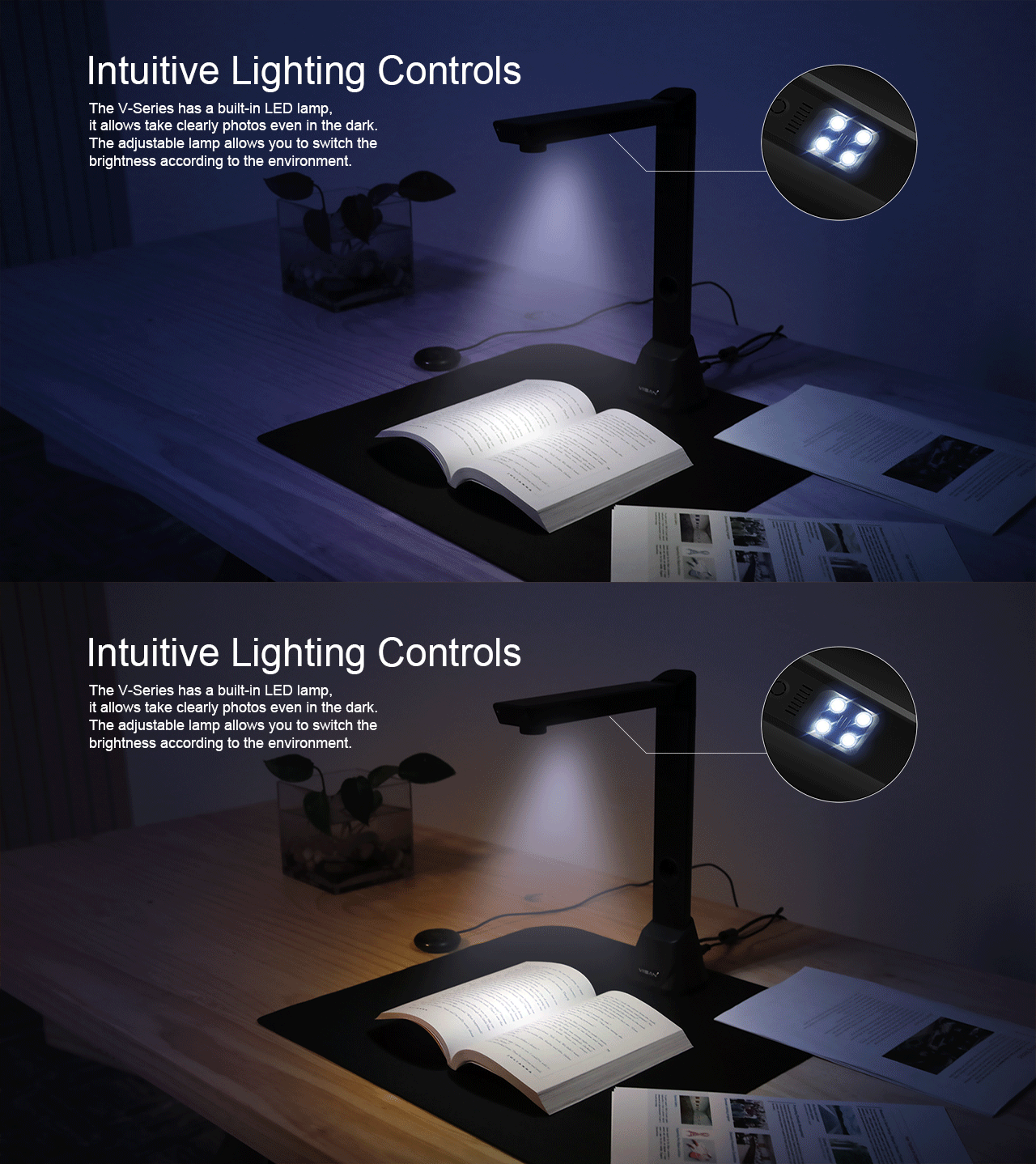
The VK16 is a versatile and highly accurate overhead book scanner, it’s a great ideal tool for tethering to your PC or laptop. With its built-in 16-megapixel sensor, you can take snapshots, magazines, books, documents, business cards, 3D objects and present them on a computer. All of your scanned images can be converted to PDF or editable Word/Excel/ePub/Txt files with its OCR function. Along with these great features, you can use the bundled OfficeCam scanning software with this smart device to get great results while scanning books. For example, it can automatically scan when the device detects a page being turned. The device also automatically digitally flattens curved pages, erases fingers from the scanned photos, repairs the damaged edges of documents, rotates pages based on text orientation, and automatically splits double-page into separate images.


VIISAN / VK16
Scan the book.
Share the idea.
From bound pages to searchable files. From your desk to a live lesson. Make more of one device with the VIISAN VK16.
The VIISAN VK16 is an overhead book scanner and document camera for digitizing books, creating searchable files with OCR, and presenting physical materials online.
*Device visualizer specification, not guaranteed Zoom meeting quality. View official VK16 specifications.
01 / Book scanning
An overhead book scan captures open pages from above, so you can digitize bound material without cutting it apart.
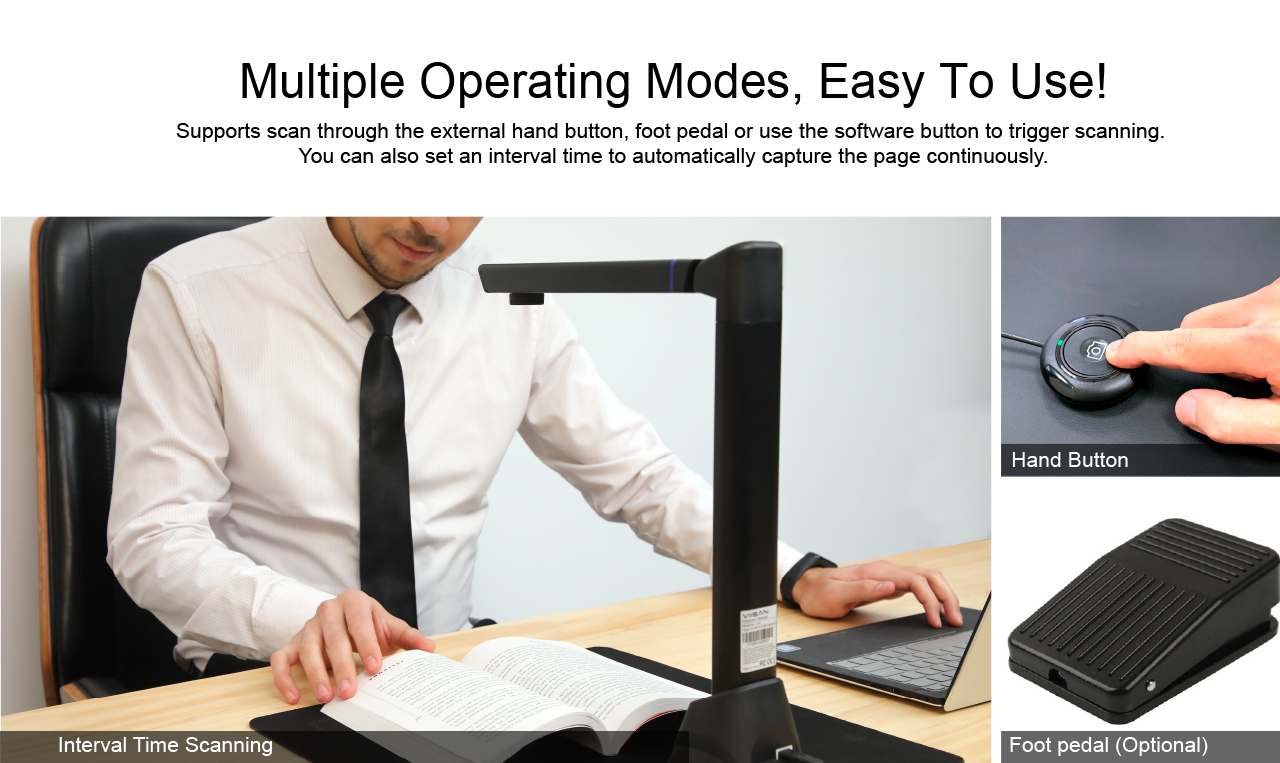
Place the book on the scan pad, choose Book mode, and align the open pages in the preview.
Book-mode tools include curve flattening, finger-image removal, and page splitting.
Check each scan for missing edges and readable text before saving your finished document.
02 / OCR & digital documents
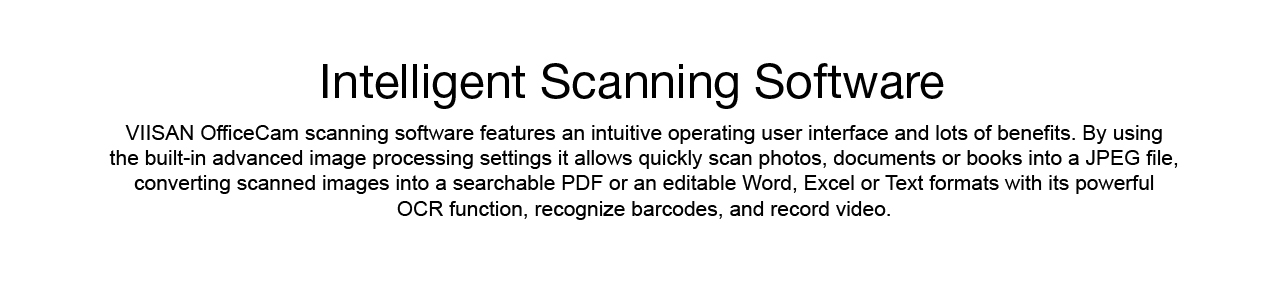
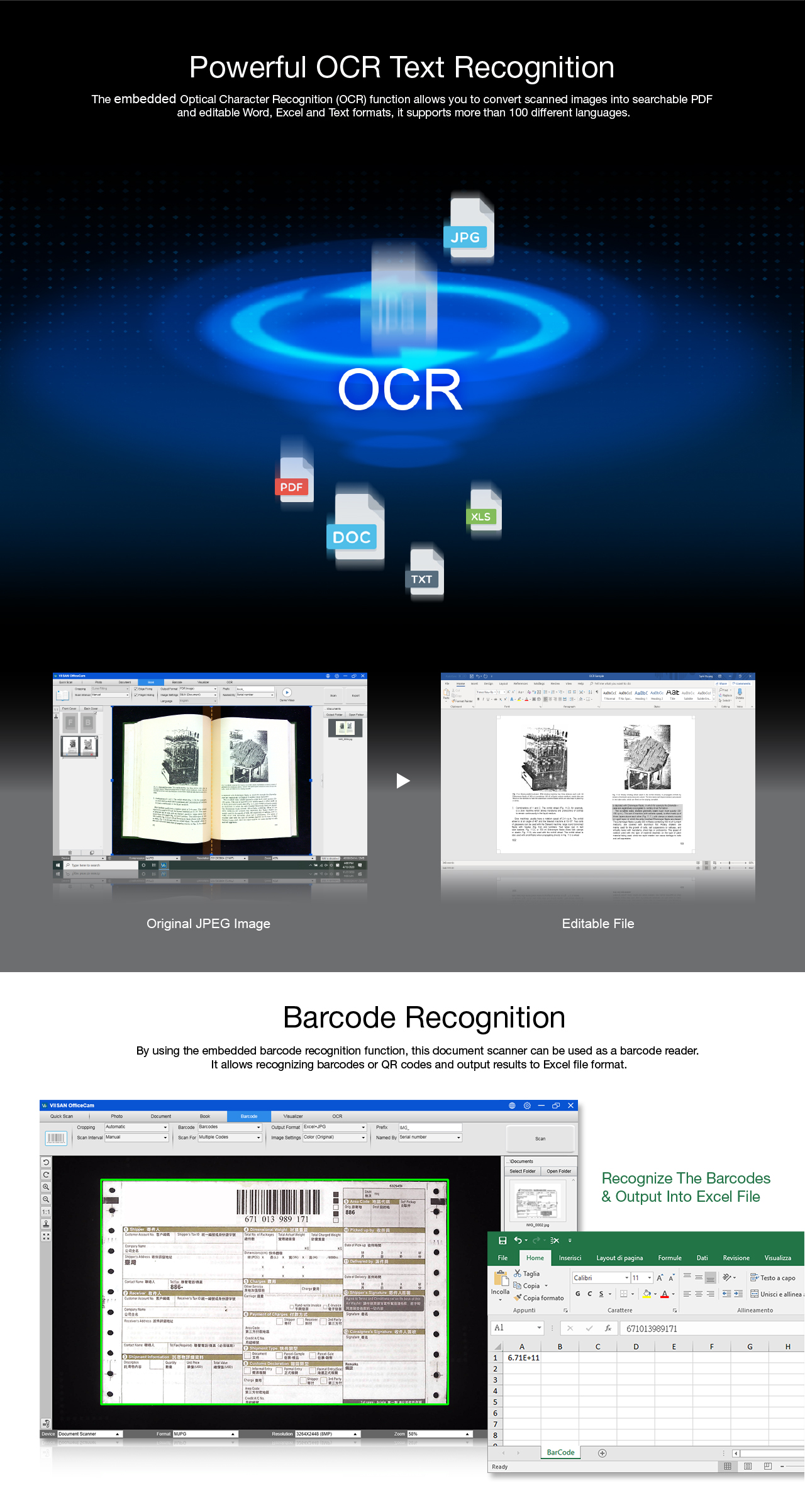
OCR turns captured text into searchable PDF or editable files. Find a passage later, reuse a quote, or organize a digital reference library.
Find recognized words inside a scanned document.
Export recognized content to Word, Excel, or text.
Proofread OCR text before using it in search, document analysis, or an AI tool that accepts your file format.
OCR recognition depends on source quality and layout. OCR is not a built-in AI assistant or a guarantee of compatibility with every AI service.
03 / Value that works harder
Choose for the work you do every day: digitize a book, make its text searchable, then use the same device to explain it live.
An overhead workflow for bound pages and documents.
Searchable and editable output for everyday reference.
Bring handwriting and physical materials into the discussion.
A practical buying guide
Look at the whole workflow, alongside the price. A feature has value when it solves a task you actually need to do.
| Compare | Why it matters | VK16 fit |
|---|---|---|
| Book capture | Capture bound pages and the sizes you use. | Overhead capture, up to A3. |
| Page processing | Consider the manual cleanup your scans need. | Book-mode correction tools in compatible software. |
| Usable output | Choose files you can search or edit. | OCR with searchable and editable output. |
| Everyday versatility | Account for both scanning and teaching needs. | Book scanning and live document-camera use. |
| Total purchase | Check software support, warranty, shipping, and tax. | Request a local quote and confirm what is included. |
04 / See it in action
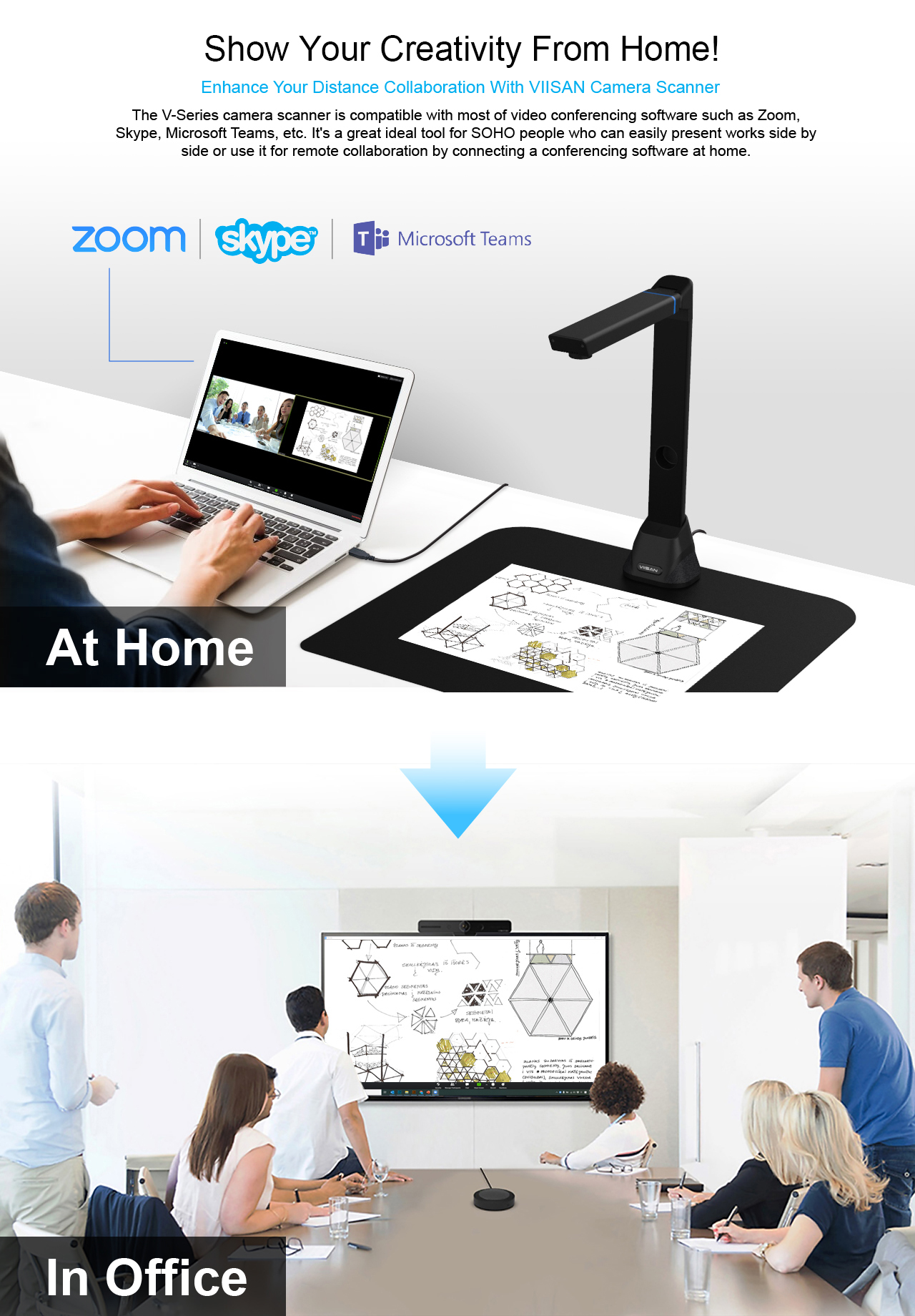
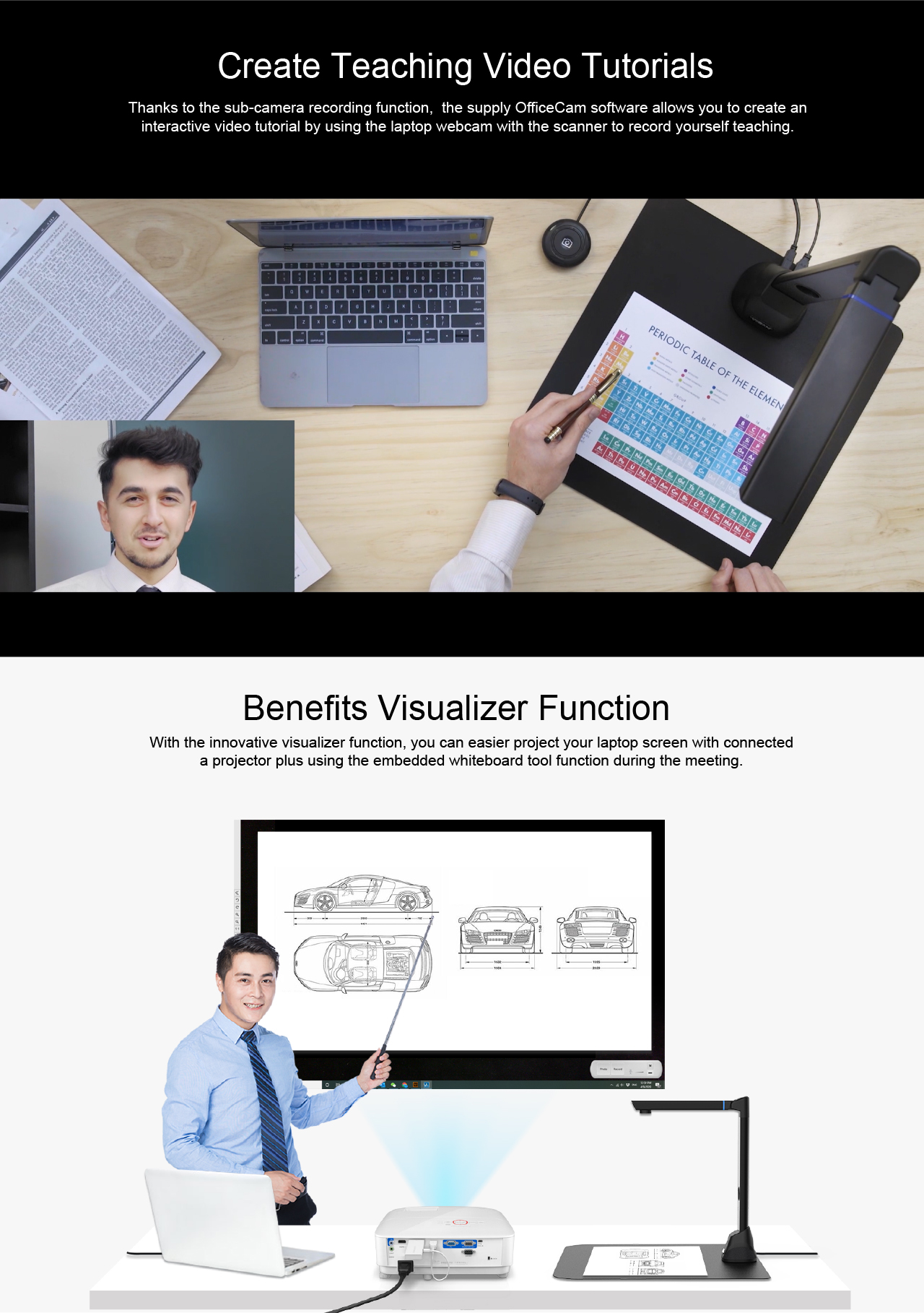
Explore the original product video and illustrations, then follow the Zoom walkthrough below.
05 / Remote teaching
Show a book, work through a handwritten example, or explain an object while remote participants follow along.
Menu labels may vary by Zoom version. Reference: Zoom: testing your video. Scan processing and OCR run in the scanning software, separately from Zoom.
06 / Streaming demonstration
Watch the recorded demonstration to assess text, hand movements, and the view of the material.
This demonstration is not a performance guarantee. Actual meeting quality depends on lighting, the computer, the connection, and Zoom settings.
Before you choose
The VIISAN VK16 is an overhead book scanner and document camera with a 16-megapixel sensor and an A3 capture area. It supports book digitization, OCR output, and live presentation workflows.
Place the open book beneath the camera on the scan pad. Select Book mode in the compatible VIISAN software, align the pages, and capture them from above. Review the processed pages before exporting your file.
Yes. The VK series guide describes OCR output to searchable PDF and editable Word, Excel, and text files. Software functions vary by operating system. Proofread the recognized text, especially small print, tables, and unusual layouts.
Compare the complete workflow: book capture, page correction, OCR output, live presentation, software support, and the local purchase price. VK16 combines scanning and presentation functions in one device. The best value depends on which functions you need and the offer available in your region.
Yes. Connect the device by USB, select its camera feed in Zoom, and test the preview. Book processing and OCR are separate scanning-software functions; they are not automatic features of a Zoom meeting.
Check the USB connection and camera permissions, then close other apps using the camera. Reopen Zoom and check its camera list. For further help, send VIISAN support your model, operating system, and Zoom version.
No. Still-image resolution and meeting video resolution are different. The VK16 specifications list a 1080p visualizer mode at 30 fps; actual Zoom quality also depends on your computer, connection, and meeting settings.
VIISAN VK16
Find the right setup for your books, documents, and lessons.
 English

