 English


How Multi-Camera AI Interactive Displays Improve Modern Meeting Rooms
Hybrid meetings are now part of everyday business. This article explains why multi-camera AI matters for modern meeting rooms, from room coverage and speaker tracking to dynamic view modes and whiteboard collaboration.

Meeting rooms are becoming more complex
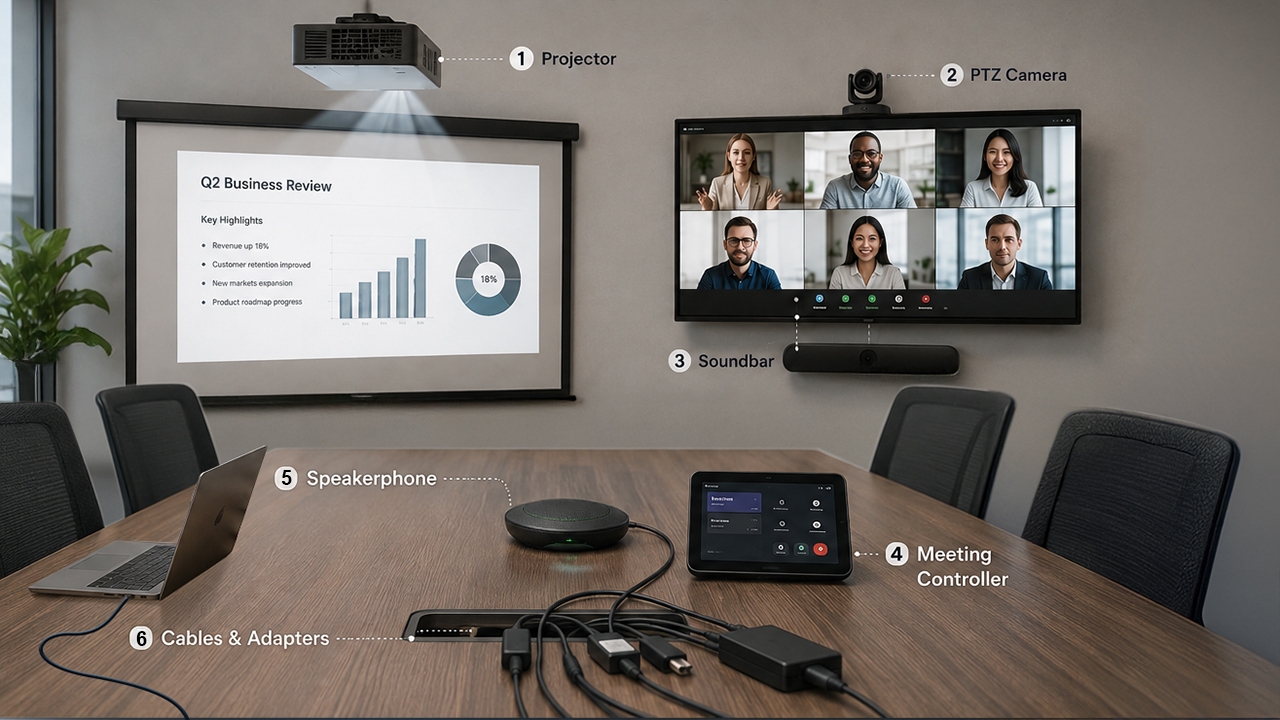
Hybrid meetings are now part of everyday business, but a traditional video conferencing room often needs more than a display. Teams may need to add an external PTZ camera, soundbar, speakerphone, meeting controller, cables, and third-party meeting service plans just to make the room work.
As more devices are added, the room becomes harder to install, harder to maintain, and less convenient for daily users. This is why modern meeting rooms are moving toward more integrated solutions with smarter camera coverage, clearer audio pickup, and easier meeting control.
Why camera architecture matters
Different meeting rooms need different camera coverage. As one example, the VIISAN ViiHub Series uses different AI camera and microphone configurations to support small, medium, and larger spaces without relying on a complex external device setup.
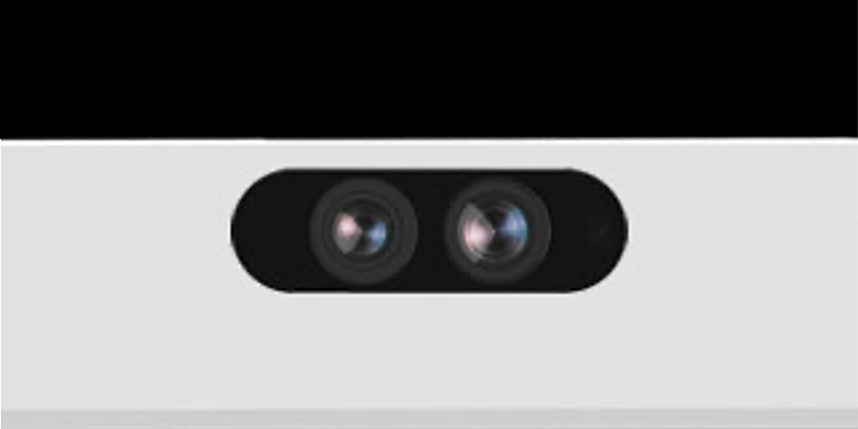
Dual-Lens AI Camera
with 8-Mic Array
Designed for compact meeting spaces where clear room framing, voice pickup, and simple AI camera control are the main needs.
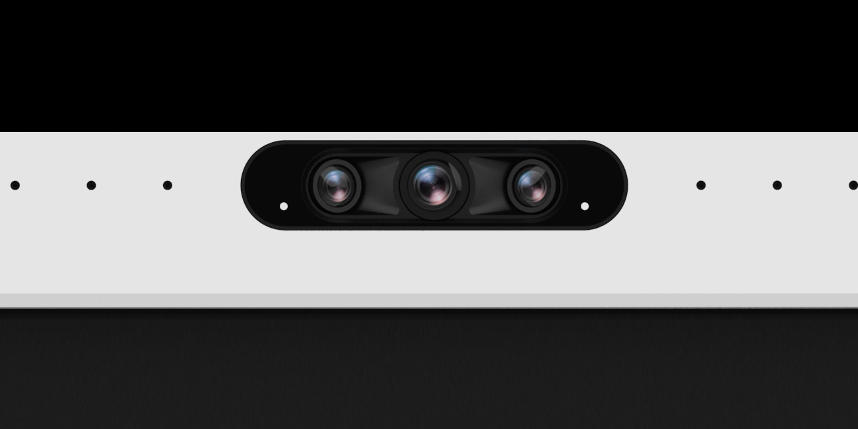
Triple-Lens AI Camera
with 16-Mic Array
Provides more camera angles for medium-sized meeting rooms, supporting clearer participant views, speaker tracking, and gallery-style layouts.
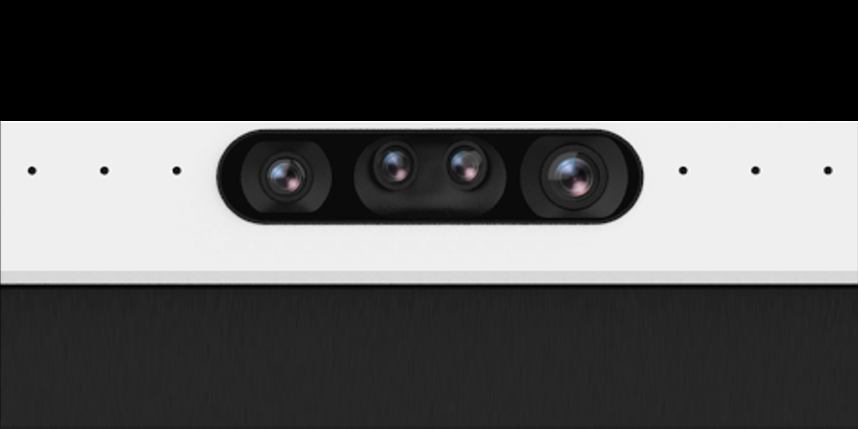
Quad-Lens AI Camera
with 16-Mic Array
Built for larger or deeper rooms where the system needs to cover more width, more depth, and more complex meeting interactions.
How this applies to different room sizes
Room size changes the way people appear on camera. A compact huddle room, a standard meeting room, and a deep boardroom all require different framing logic, microphone pickup, and AI view switching.
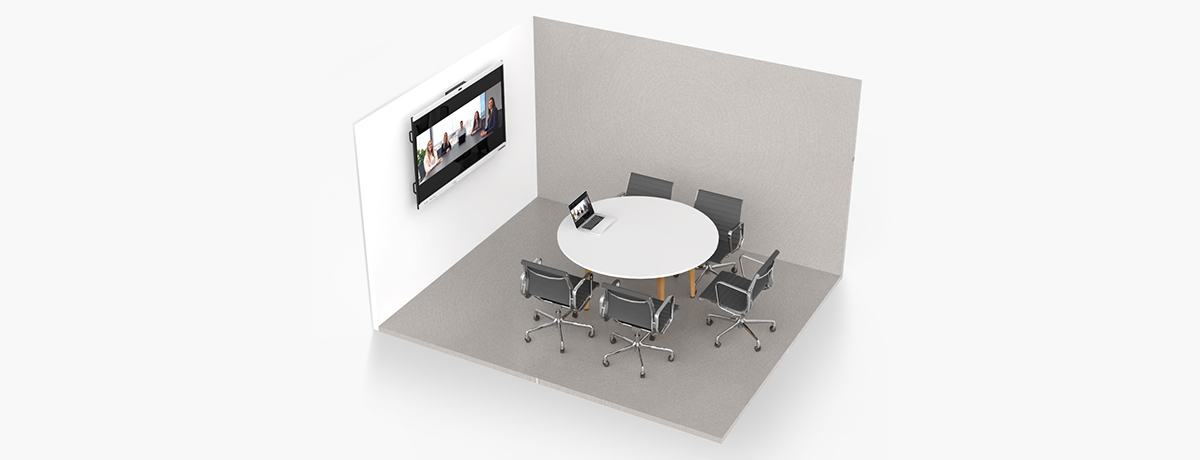
Huddle Room
Focus on keeping everyone clearly framed and reducing manual setup.
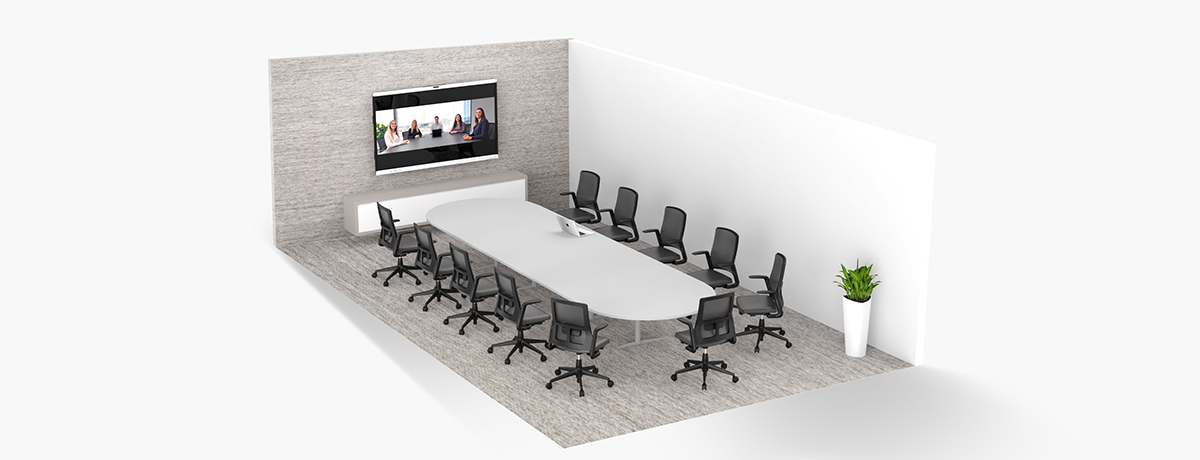
Meeting Room
Balance full-room views with speaker close-ups and gallery-style participant layouts.
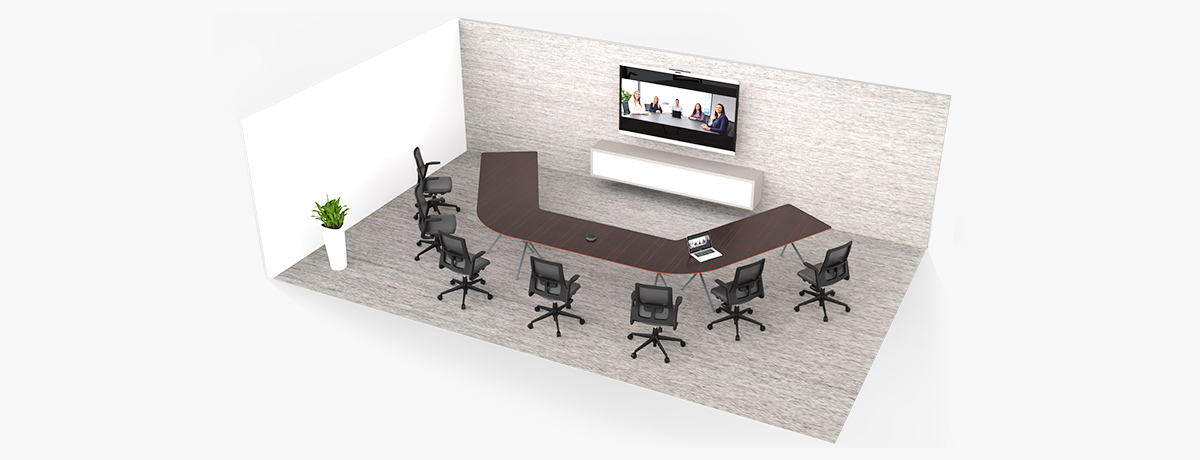
Conference Room
Use multiple views to cover wider tables, longer rooms, presenters, and whiteboard areas.
Multi-camera AI makes meetings easier to follow
Instead of showing only one fixed view, a multi-camera AI interactive display can adapt to different people, spaces, and meeting behaviors.

Auto Framing
Automatically adjusts the view based on the number and position of participants, helping remote attendees see the room more clearly.

Sound / Speaker Tracking
Uses voice direction and camera control to focus on the active speaker, making multi-person discussions easier to understand.

Gesture Control
Allows the presenter or meeting host to control camera behavior without touching the screen or using a remote control.

Raise-Hand Control
Allows participants to bring the camera focus to them simply by raising a hand.

Stand Tracking
Useful when a presenter stands up to explain content, teach, or move between the display, table, and whiteboard area.
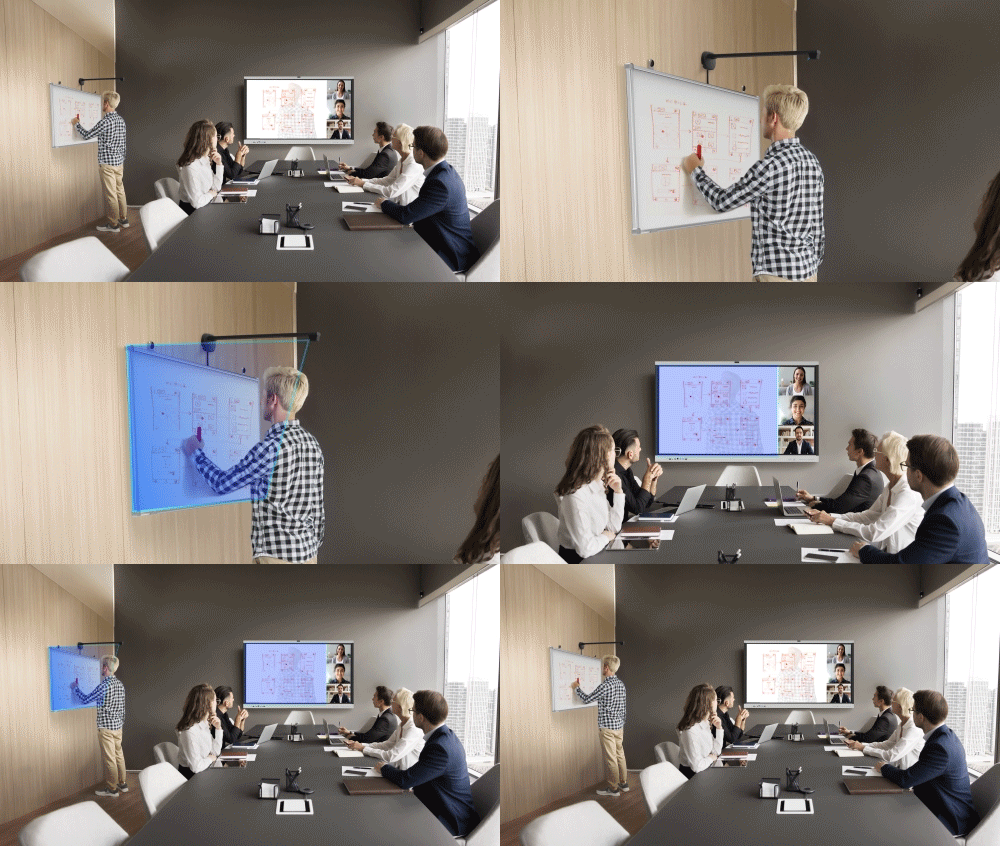
Whiteboard Tracking
Focuses on the whiteboard area so remote participants can better follow brainstorming, teaching, and technical discussions.
Different meetings need different viewing layouts
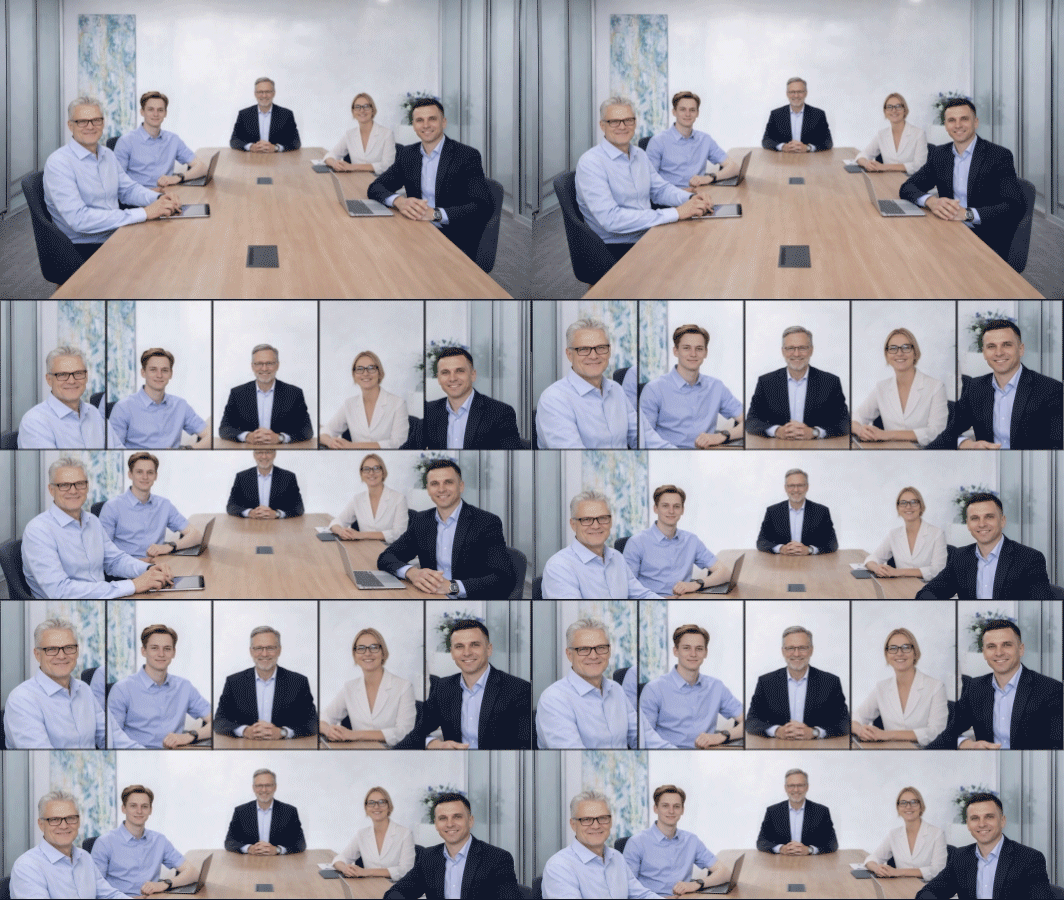
Modern meeting rooms are used for discussion, training, teaching, executive meetings, and hybrid workshops. Multi-camera AI can present the room in different layouts depending on the scenario.
Show each participant more clearly
Portrait Mode creates individual-focused views from the meeting room image, helping remote participants see faces and expressions more clearly.

Make group meetings easier to read
Gallery Mode presents multiple participants in a structured layout, creating a more professional meeting experience than a single distant room view.

Combine room context with close-up views
Multimodal Gallery can show the full room, active speaker, and participant framing together, helping remote teams understand both the people and the meeting context.
Reducing setup complexity with an all-in-one IFPD
This article is mainly about AI meeting scenarios, but the hardware architecture also matters. When display, cameras, microphones, meeting software, and camera control are integrated into one IFPD, the room becomes easier to deploy and manage.
Traditional Setup
All-in-One IFPD Solution
VIISAN ViiHub Series is an example of this all-in-one IFPD direction, integrating multi-camera AI, microphone pickup, ViiGear camera control, ViiTalk Rooms 4K meeting system, wireless sharing, and collaboration tools into a single interactive display experience.
What this article explains
This summary helps users, search engines, and AI search systems understand the article topic, target readers, key problems, and main takeaways.
Frequently Asked Questions
Common questions about multi-camera AI interactive displays, hybrid meeting rooms, and all-in-one IFPD meeting solutions.
Why do modern meeting rooms need multi-camera AI?
Modern meeting rooms often support hybrid collaboration, where remote participants need to see speakers, whiteboards, and room context clearly. Multi-camera AI helps adjust framing, track speakers, and switch views automatically.
How does an all-in-one IFPD reduce meeting room setup complexity?
An all-in-one IFPD can integrate the display, cameras, microphones, meeting software, wireless sharing, and AI camera control into one device, reducing the need for external cameras, soundbars, extra cables, and separate controllers.
What AI meeting features does the VIISAN ViiHub Series support?
The VIISAN ViiHub Series supports AI meeting scenarios such as auto framing, speaker tracking, gesture control, raise-hand control, stand tracking, whiteboard tracking, and dynamic viewing layouts.
Which room types can benefit from multi-camera AI?
Huddle rooms, standard meeting rooms, conference rooms, executive rooms, training spaces, hybrid classrooms, and boardrooms can benefit from AI framing, speaker tracking, and flexible viewing layouts.
What is the main benefit for remote participants?
Remote participants can follow meetings more naturally because AI view switching can show the room, active speaker, whiteboard, and participant close-ups more clearly than a single fixed camera view.